POS & counter billing
POS billing software for a busy counter
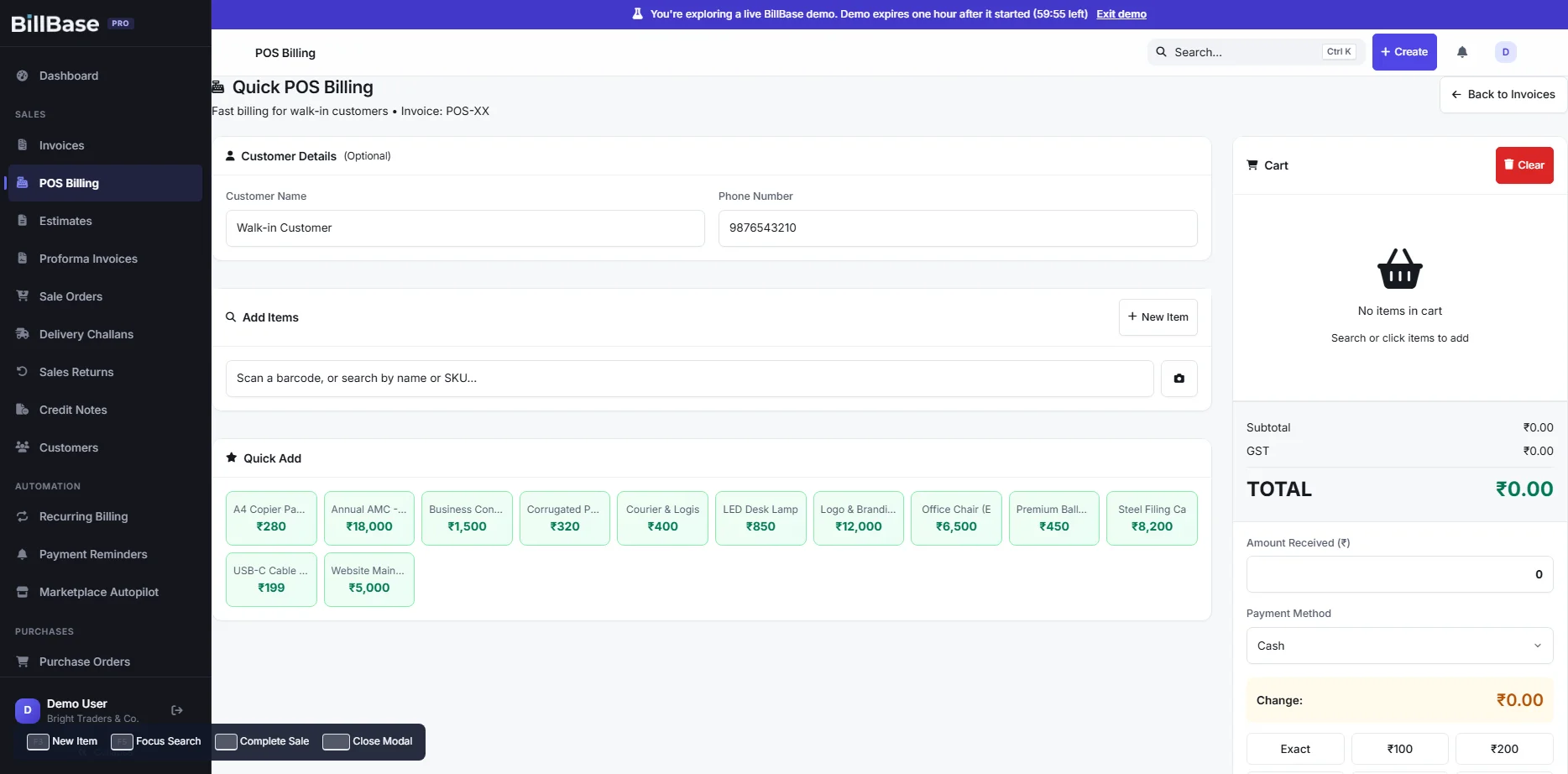
Scan a barcode or tap a quick-add tile, take cash or UPI, see the change due and print a 58 mm or 80 mm receipt. Stock comes down with every sale — no separate inventory step.
Included in: Pro
Plans from ₹450 a yearGST included in the priceWeb + Android
- What it is
- A one-screen counter (POS) billing mode inside BillBase, sharing the same items, stock and reports.
- Who it is for
- Retail shops, kirana stores, pharmacies-style counters and any business with walk-in customers.
- What it costs
- On the Pro plan: ₹1,200 a year, GST included — with stock, barcodes and GST data.
- Try it
- Ring up a sale on the demo counter.
Speed
Built for the speed of a counter
One screen: find the item by name, code or barcode, set the quantity, take the money. A walk-in sale does not need a customer record — add a name and phone only if you want one.
- A scanner types the code and presses Enter; BillBase matches that exact code first.
- Quick-add tiles for the items you sell most.
- Amount received and change due, by cash, UPI or card.
- Keyboard shortcuts for new item, search and complete sale.
Behind the counter
What a counter sale sets in motion
Thermal receipts All plans
58 mm and 80 mm receipt layouts with your name, GSTIN and tax split — or share the bill to the customer’s phone.
Its own numbering series
Counter sales get their own prefix, reported separately in GSTR-1 Table 13.
Stock that follows Pro
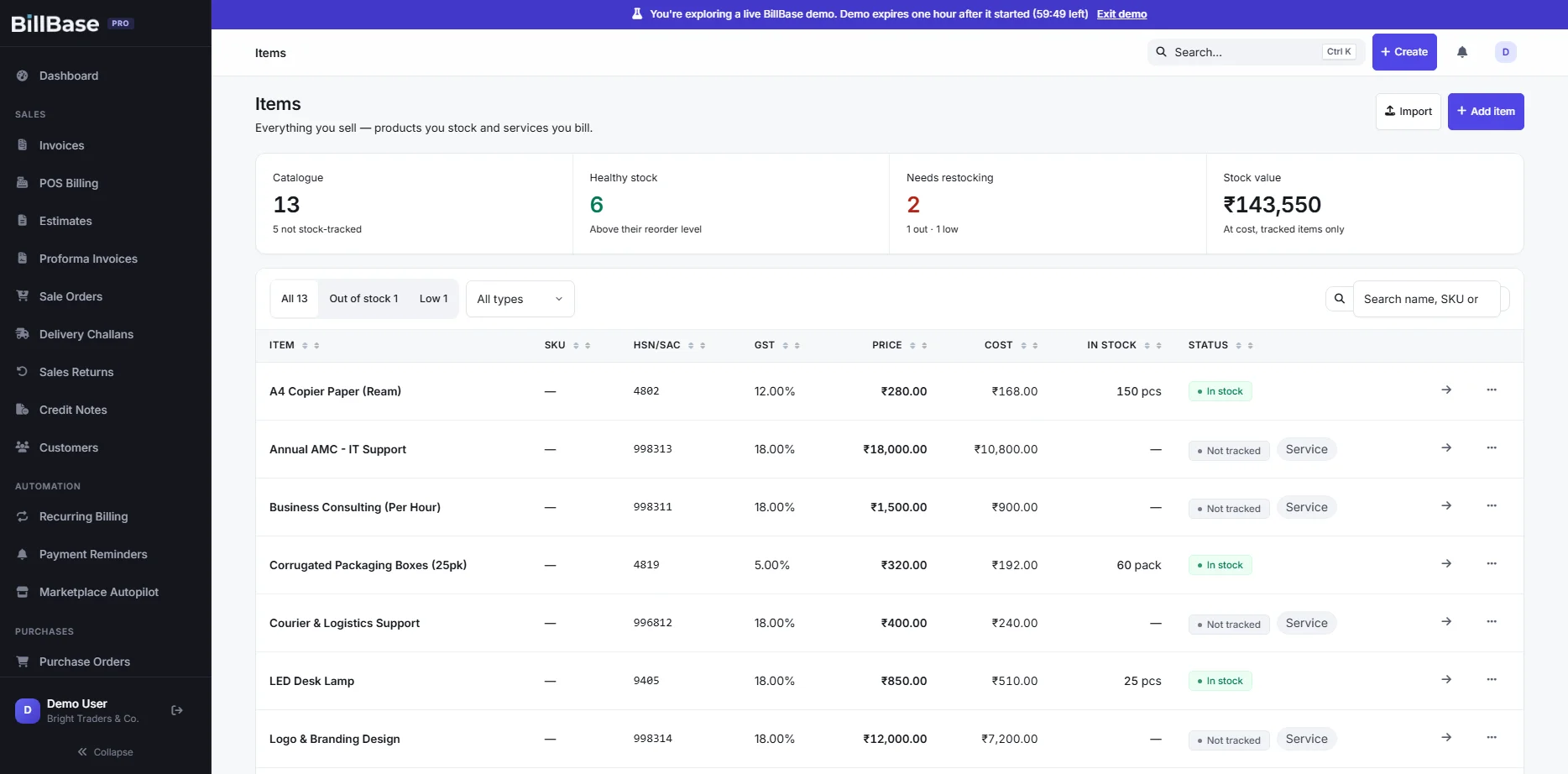
Each sale reduces stock as it is raised; low stock shows on the dashboard.
Barcode labels Pro
Print your own labels for items that came without a barcode.
Loose items
Sell 0.250 kg or 1.5 m exactly — weight to three decimals, length to two.
Cash drawer Pro
Open and close the drawer per session and see what the counter took by payment mode.
Straight answers
What BillBase does not do
- No offline mode: the counter needs an internet connection.
- No weighing-scale or cash-drawer hardware integration; a USB barcode scanner works because it types like a keyboard.
- It does not generate e-invoices (IRN). Businesses that must e-invoice register invoices on the IRP.
What BillBase connects to, what is in development and what is only planned: Integrations.
Questions
Frequently asked questions
Which barcode scanners work?
Any USB or Bluetooth scanner that acts as a keyboard (types the code and presses Enter) — which most do. On Android you can also scan with the phone camera.
Which receipt printers work?
BillBase prints through your browser’s print dialog, so any 58 mm or 80 mm thermal printer installed on the computer works. On a phone, share or save the PDF to your printer’s app.
Can a counter sale have a GSTIN on it?
For a registered buyer, raise a normal B2B tax invoice instead; it takes the B2B series and appears in the B2B table of your return.
Does POS work on a phone?
Billing works on the phone through the Android app or browser; the dedicated POS screen is designed for a counter computer or tablet.
Keep exploring
Related
Retail shops
Billing software for retail shops: fast counter bills, GST invoices for business buyers, barcode scanning, stock that updates as you sell, and thermal receipts.
Read moreKirana stores
Billing for kirana and general stores: sell loose items by the kilo, bill fast at the counter, know which customers owe you, and keep stock in step. Web and Android.
Read moreInventory & billing
Billing and inventory in one ledger: stock falls when you sell and rises when you buy, across godowns, with barcodes and low-stock visibility. Pro plan.
Read moreSee it on a real business before you decide.
Open the live demo — a private copy of a sample business, ready in seconds, yours for an hour. Or start your own account today.
Plans from ₹450 a year, GST included.