
BillBase generates e-way bills through WhiteBooks, whose GST Suvidha Provider (GSP) is BVM IT Consulting Services India Private Limited. Your GSTIN gives that GSP access by creating a GSP username and password on the e-way bill portal. You do this once per GSTIN.
- Open the official e-way bill portal, ewaybillgst.gov.in, in a browser.
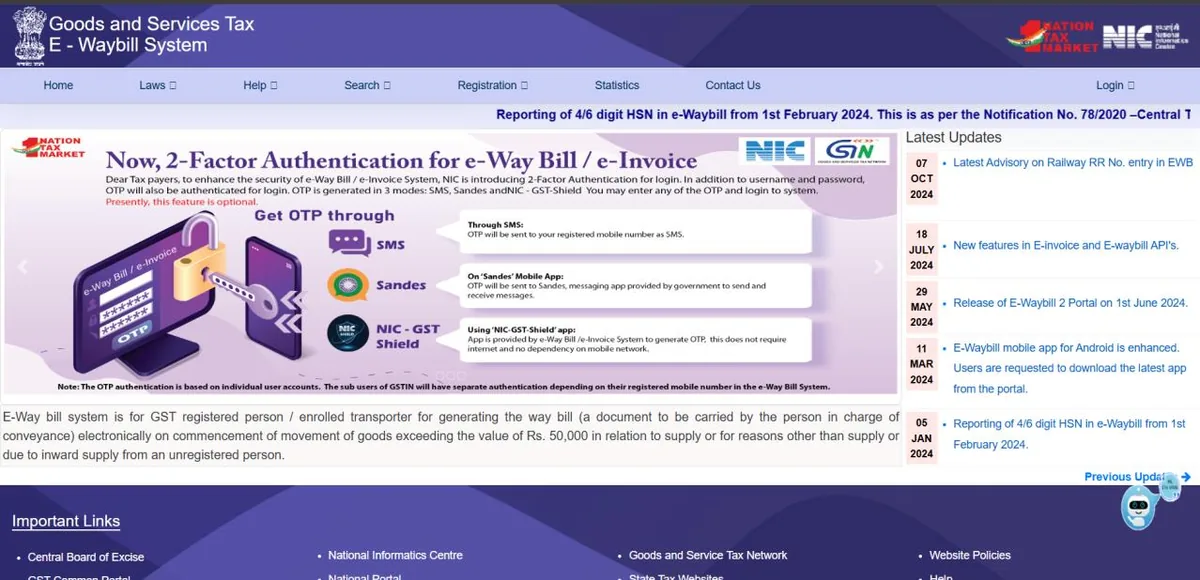
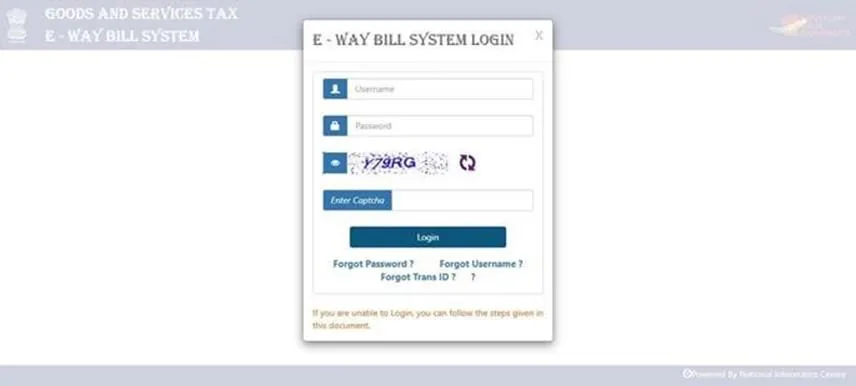
- Log in with your business's e-way bill portal username and password (the main user of the GSTIN), and the captcha.
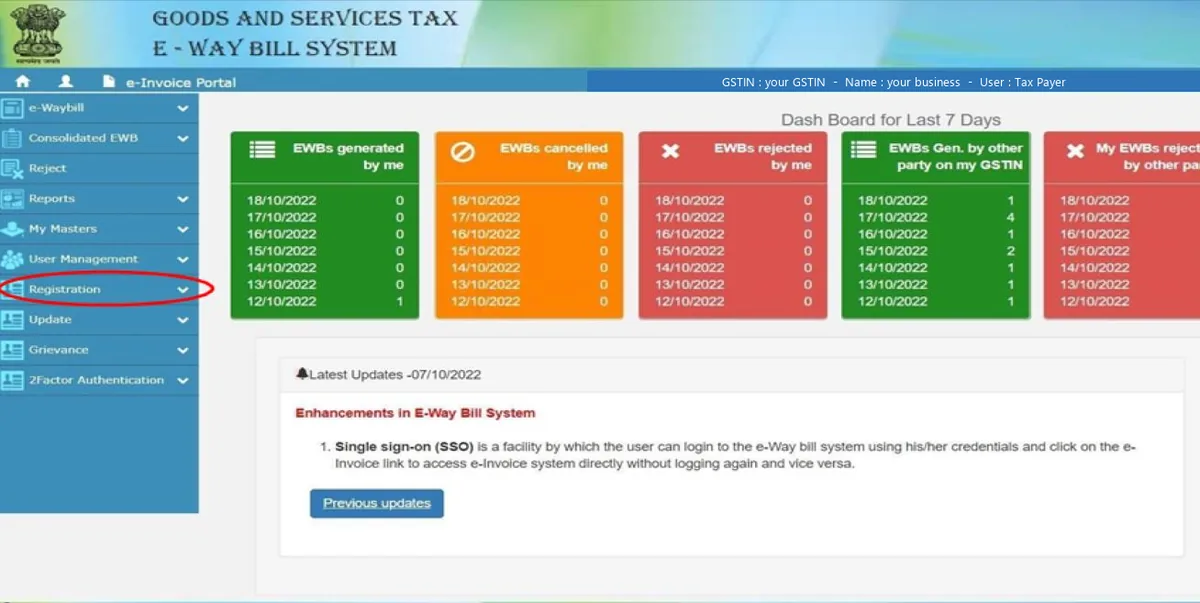
- In the left menu, open Registration.
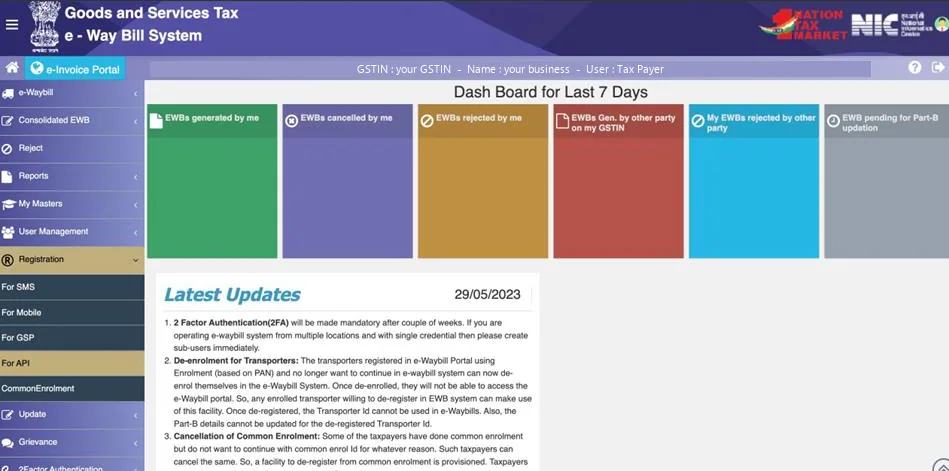
- Choose For GSP.
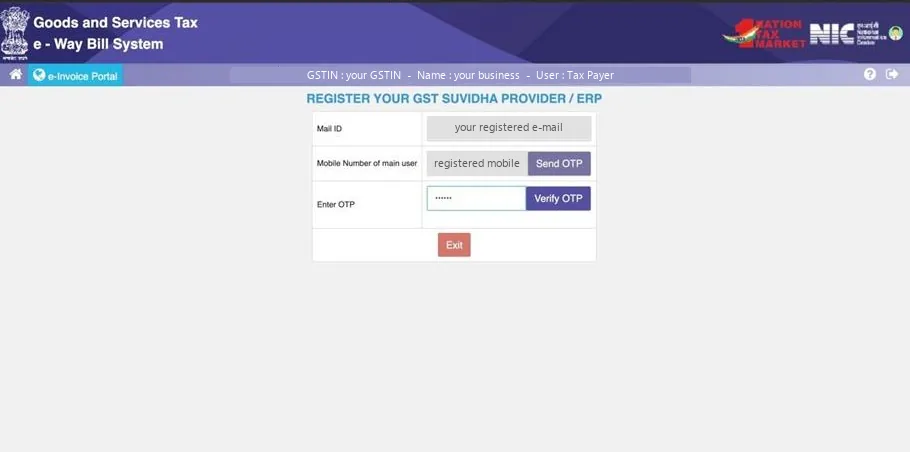
- Click Send OTP and enter the OTP sent to the GSTIN's registered mobile number, then Verify OTP.
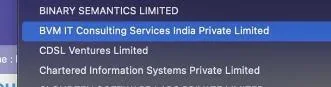
- Under Select Your GSP, choose BVM IT Consulting Services India Private Limited.
- Create the username and password you want for this GSP access, as the portal asks. The portal sets the format; WhiteBooks' guide notes the password must be 12 to 15 characters.
- Submit the registration.
- Note the username and password safely. You will enter them in BillBase to connect this GSTIN.
Choose BVM IT Consulting Services India Private Limited exactly. A username created for a different GSP will not work with BillBase.
Then connect the GSTIN in BillBase: E-Way Bills › Connection › Set up.
All e-way bill tutorials · Next: How to create GSP credentials for each GSTIN